Registration
Register your work and request an ISAN
ISAN is the official, worldwide number for audiovisual works. ISANIZE serves registrants from any country. Requesting a number takes a few minutes: read below more about self-service registration or bulk registration.
Self-service registration
For one work, a series or a handful of titles: you register yourself, online, and usually have the number within a few minutes.
- Create an account or log in.
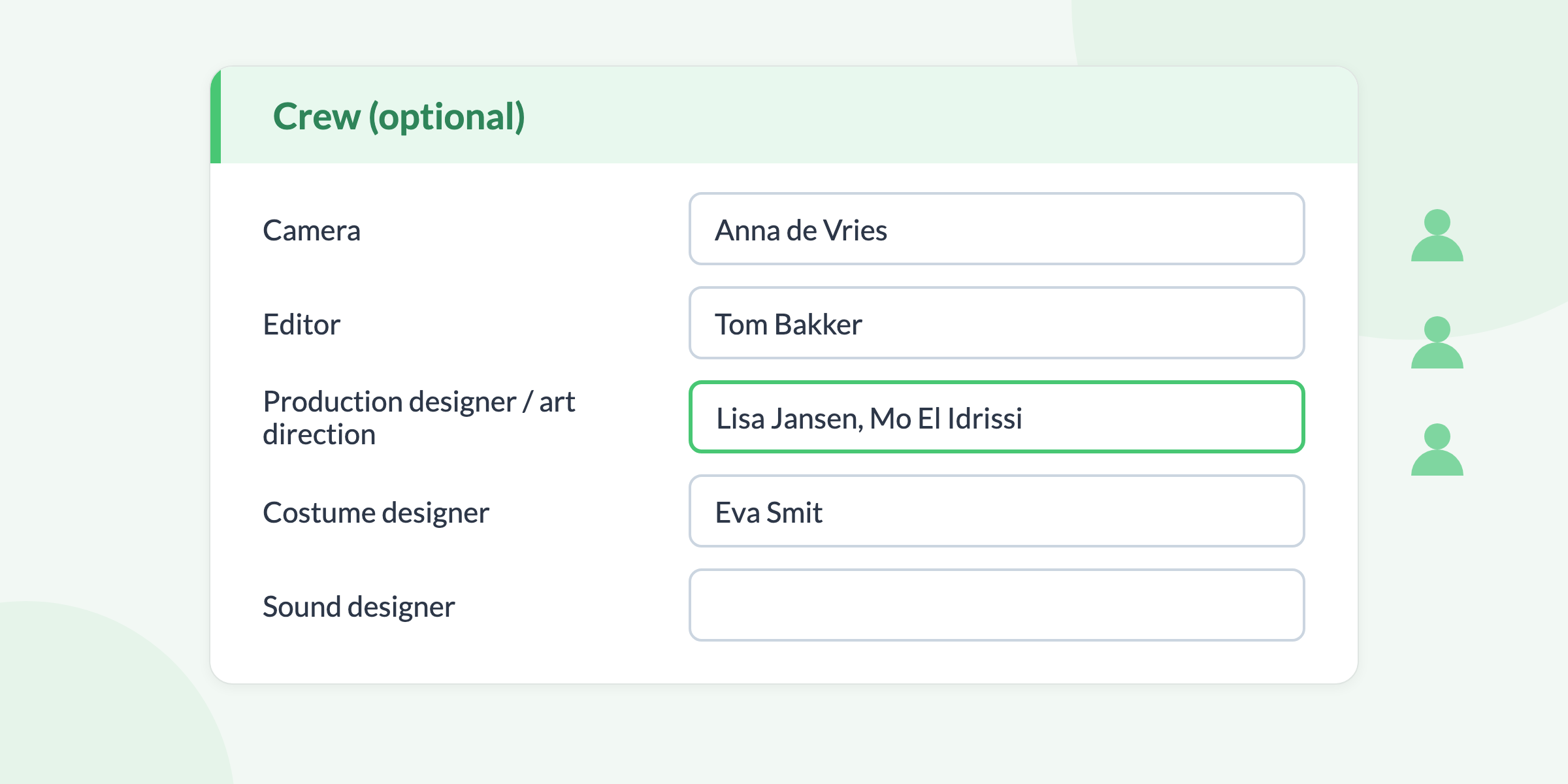
- Enter the details of your work: titles, year, duration, makers and optionally the crew. You register a series with its seasons and episodes.
- Pay per registration.
- ISAN checks for duplicates and assigns the number. You receive it by mail, with the Certificate of ISAN Registration and the barcodes attached. Usually within a few minutes; if it might be a duplicate, within one working day.
Bulk registration
Many works or all your titles at once, for instance every episode of a series? Then we register them for you in bulk.
- Download the bulk template (Excel) and fill in the details per work or episode.
- Send the completed file to [email protected]. You receive an invoice.
- After payment you get the numbers back within a week, one ISAN per work or episode. In a hurry? Say so.
The bulk rates are on the rates page.
Good to know
- Changing details later? Open the work in your catalog and change them with the buttons at the top. You can also complete the crew there afterwards.
- With a membership you register at a lower rate and see every detail of each ISAN record.
- Questions or remarks while registering? [email protected]